Our guest editor shares his take on blues, jazz and beat as fugitive literature and an array of contributors, from DJs to sound artists.
Collection
-
Collections are groupings of Articles, connected by a common thread while creating a content hierarchy.
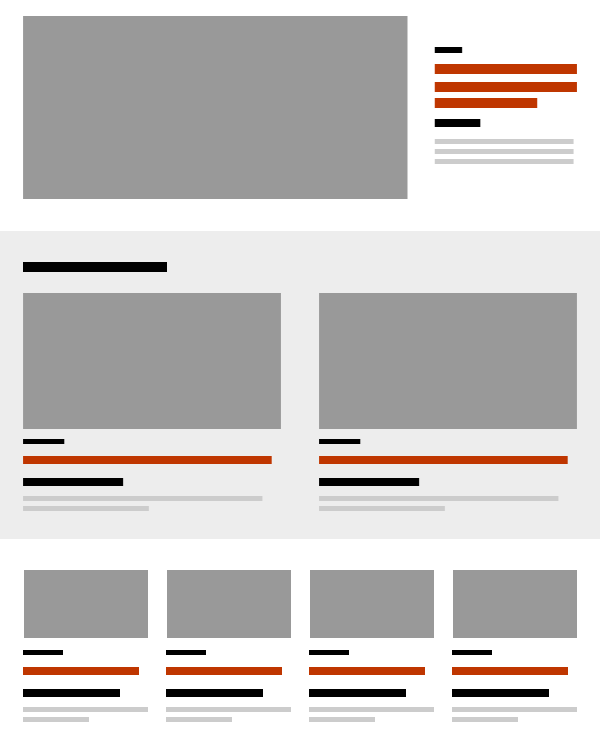
The organization of content into groups, also known as chunking, has been proven to improve user engagement. Collections are curated groups of Article content that can be used throughout montrealserai.com. Collections are used to create the layout of articles in Issues, as well as the Promo carousel that is displayed at the bottom of each and every Article, Page, Post or Issue.
When you publish a Collection it becomes available and editable. Editing a Collection will automatically update all instances of that Collection across the site. Because of this, there are several Collections that are updated on a regular basis:
- Promos – Home page (remix of current articles & relevant articles) is the Home page Promo Collection and should focus on Articles that are not in the Current Issue but are being promoted because of popularity, related to the current Issue’s theme or Author(s) etc…
- Promos – Current issue articles – This Collection contains Articles from the current Issue and is updated with every Issue but can also be updated mid-issue to promote additional or trending Articles. This Collection is the default Collection that the User sees at the bottom of every Article, except when another Collection has been selected as an override.
Content Authors are encouraged to create Collections based on the important themes, time, Author or Contributor or any other category etc….
Note that you can change the default Collections in Site Settings
Adding & updating collections
Use the Collections link in the left menu.
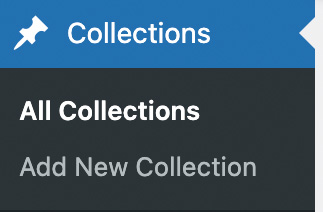
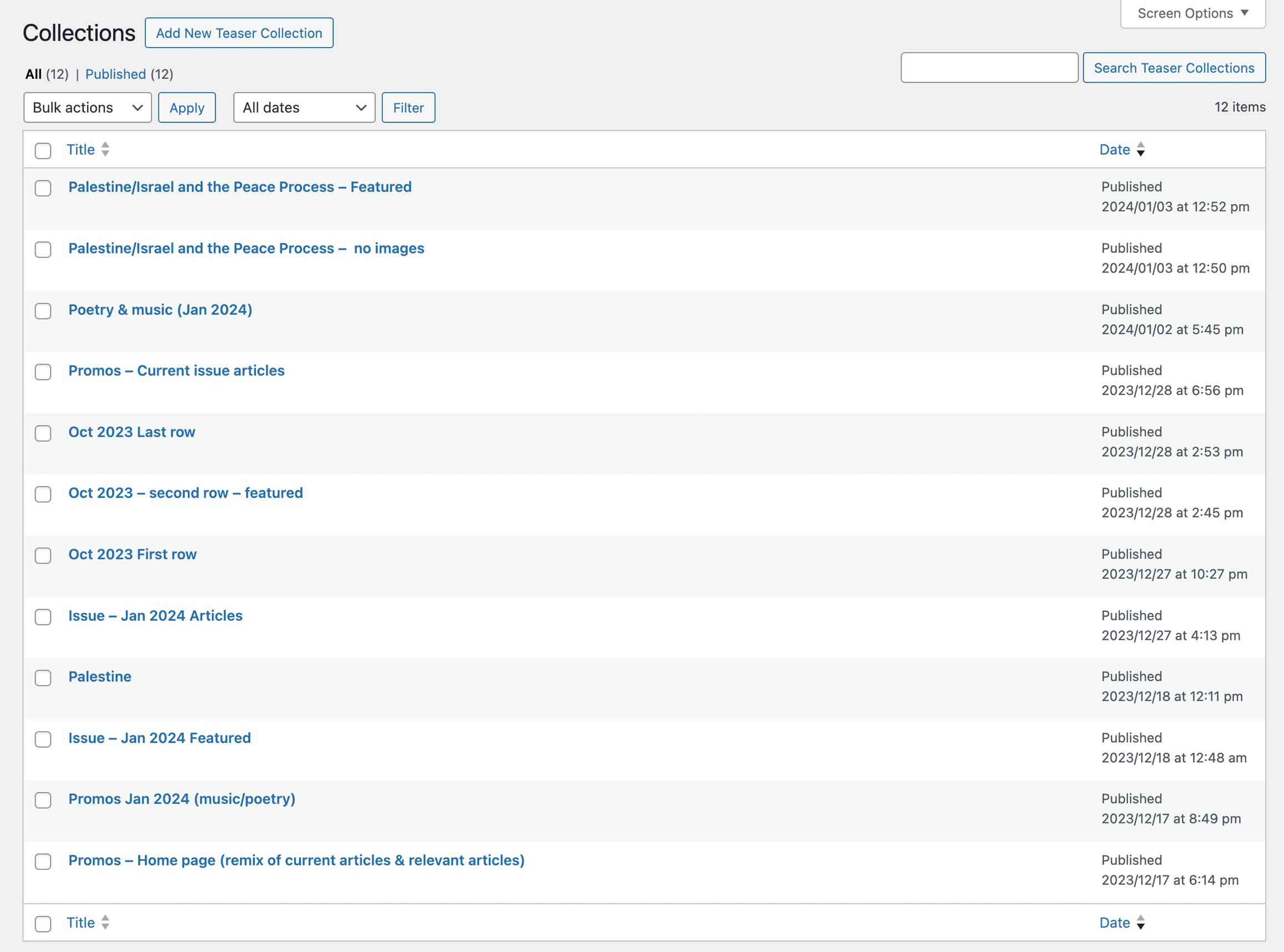
Add a new Collection or select a Collection to edit.
Use keywords, terms and the arrow up and down keys to search and filter existing Articles. The Article search has been configured to look for the search terms in titles and the contents so that it will be easier to find related content. This may result in more results than expected. If you are not performing a wide search (ie: democracy) and know the exact Article, type in the title word for word until it is at the top of the search list. (ie: Theodolites, Rights and Democracy)
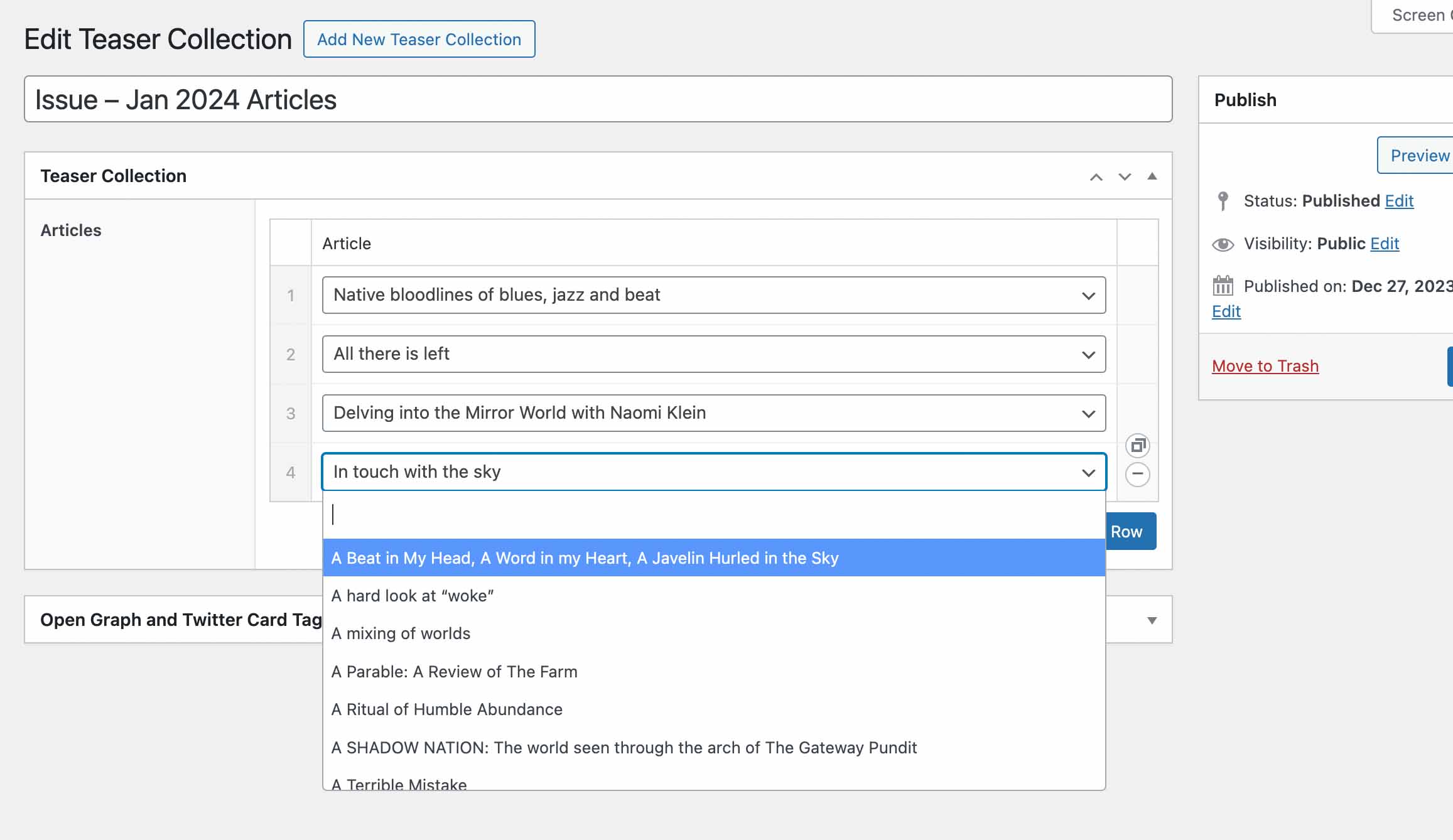
You can have up to 16 Articles in a Collection, use ‘Add Row’ if you need more.
-
Organizing content into groups creates structure, when used consistently this reduces the cognitive load required to scan and navigate the page.
Montréal writer and musician Paul Serralheiro interviews renowned deejay and jazz educator Andy Williams about the potent role of jazz in education.Promos
-